 CCTV Cloud Storage
 How Much CCTV Storage Do You Really Need? A Complete Calculation Guide
Security cameras are no longer exclusive to large business facilities only. Offices, retail stores, warehouses, and residential properties—all of these facilities employ CCTV as an integral component of their modern security strategies. Still, before installing or upgrading a surveillance system, one must know the following: How much CCTV storage do I need?
An incorrect storage capacity choice will lead to problems that range from missing video footage to increased operational costs. Understanding the amount of storage space you need will help you ensure that the necessary video material stays available.
CCTV Storage Planning Tips: Key Things to Remember
Any CCTV camera records video footage, which amounts to a certain amount of data, determined by several factors.
If not planned accordingly, surveillance systems usually experience such issues as the following:
- Excessive expenditure of funds due to the installation of unnecessary components.
- Limited scalability – you can hardly add any cameras to your surveillance network easily.
- Missing video due to storage overwriting.
- Insufficient storage leading to lost material.
- Difficult management of several locations within the premises.
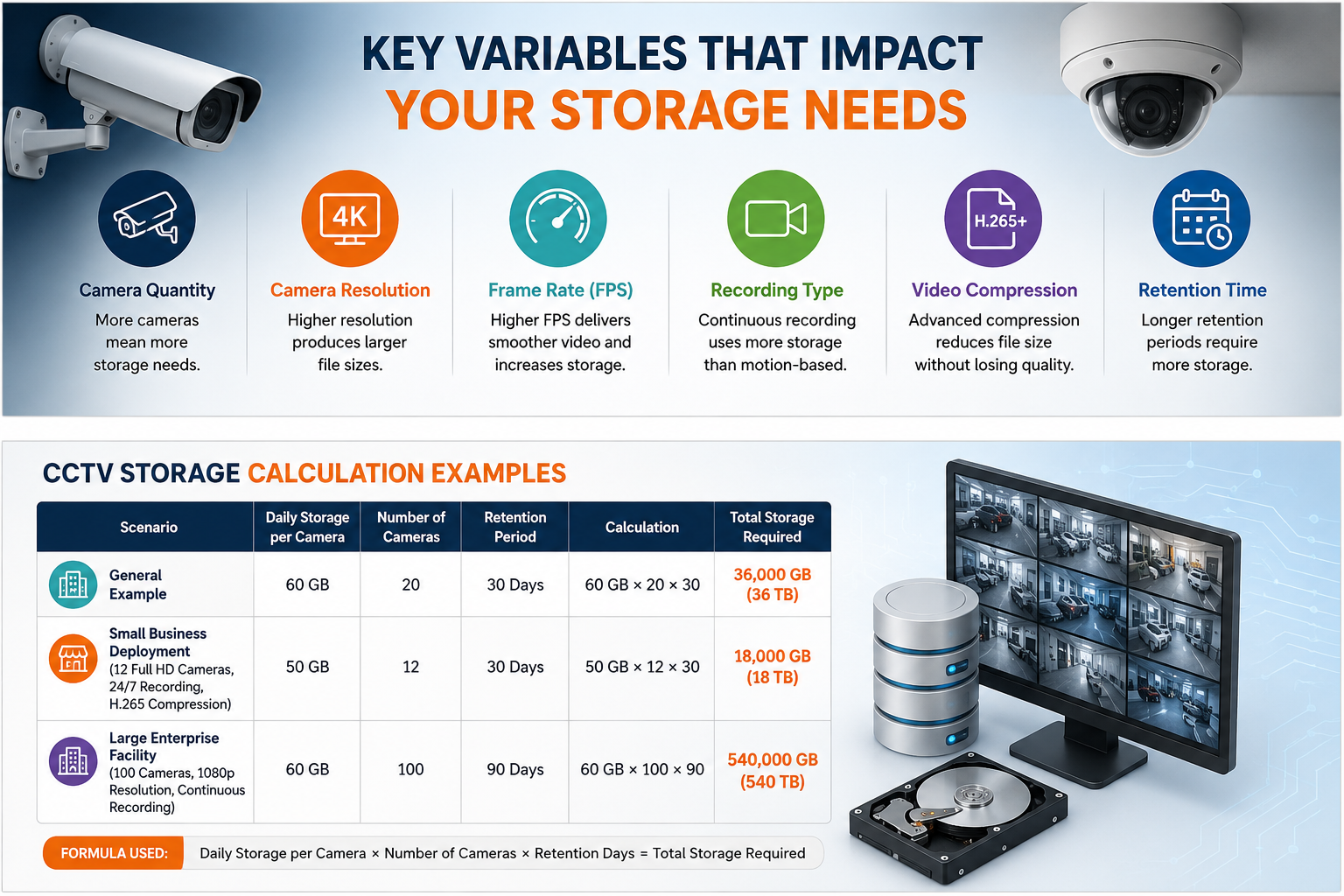
Key Variables That Impact Your Storage Needs
A variety of variables affect your overall CCTV storage requirements.
- Camera Quantity: The quantity of cameras in a surveillance security system will dictate the volume of storage you need. With an increasing number of cameras, the storage needs increase as well. The organization using 50 cameras requires more storage compared to another utilizing 8 cameras.
- Camera Resolution: Resolution impacts clarity and affects the file size. It impacts the amount of storage you need. Camera resolutions include 720p, 1080p Full HD, 2K, and 4K Ultra HD. Better camera resolution leads to higher storage needs.
- Frame Rate (FPS): Frames per second is a metric that tells how many frames are captured per second within a video stream. The higher the frames per second number, the smoother the resulting video is. FPS options available include 15 FPS, 20 FPS, 25 FPS, and 30 FPS.
- Recording Type: Different types of recordings require different amounts of storage space. For instance, continuous recordings require more storage space than motion-based recordings. Types of recording include 24/7 continuous recording, motion-based recording, scheduled recording, and event-triggered recording.
- Video Compression: Compression techniques help to create smaller files using video data without reducing the quality of the data. H.264, H.265, and H.265+. Compression techniques ensure that there will be less requirement of storage space.
- Retention Time: Retention time refers to the duration within which the data is retained before deleting or replacing the same. Longer the retention time, the more would be the storage requirement. 7 Days, 30 Days, 60 Days, 90 Days, 180+ Days.
Understanding CCTV Camera Storage Capacity.
Before performing calculations, it is important to understand CCTV camera storage capacity.
For example, a single 1080p camera recording continuously may generate between 40GB and 80GB of data daily, depending on frame rate and compression settings.
A 4k camera may generate several times that amount, because every deployment differs; storage planning should always be based on actual camera specifications rather than rough estimates.
CCTV Storage Calculation Examples
| Scenario | Daily Storage per Camera | Number of Cameras | Retention Period | Calculation | Total Storage Required |
|---|---|---|---|---|---|
| General Example | 60 GB | 20 | 30 Days | 60 GB × 20 × 30 | 36,000 GB (36 TB) |
| Small Business Deployment
(12 Full HD Cameras, 24/7 Recording, H.265 Compression) |
50 GB | 12 | 30 Days | 50 GB × 12 × 30 | 18,000 GB (18 TB) |
| Large Enterprise Facility
(100 Cameras, 1080p Resolution, Continuous Recording) |
60 GB | 100 | 90 Days | 60 GB × 100 × 90 | 540,000 GB (540 TB) |
Formula Used:
Daily Storage per Cameras × Number of Cameras × Retention Days = Total Storage Required
This formula provides a practical starting point for estimating CCTV storage needs. Actual storage consumption may vary depending on factors such as video, frame rate, compression technology, motion-based recording settings, and retention policies.
CCTV Storage Capacity Calculation
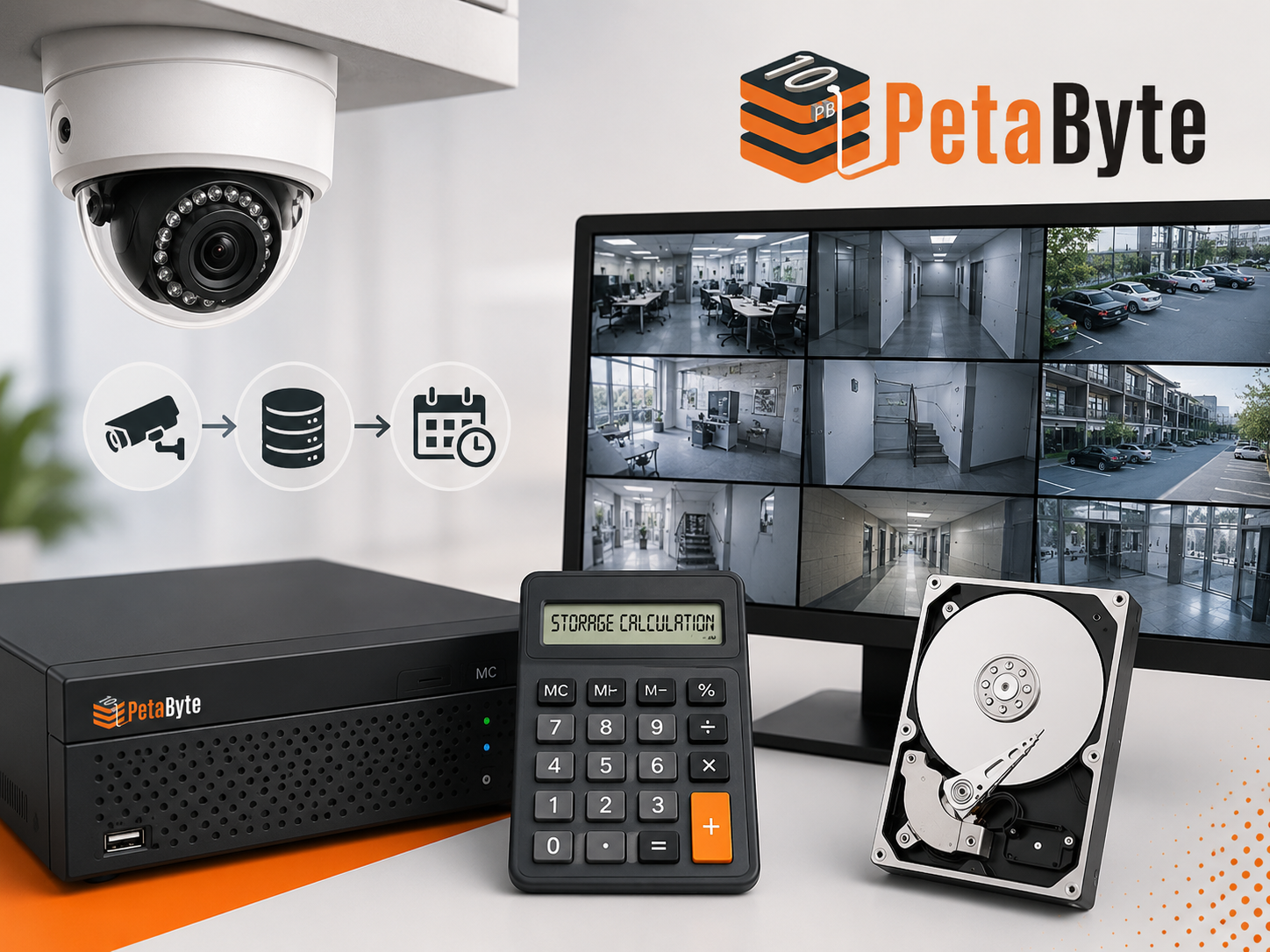
Sometimes, manual calculation of storage space required for keeping videos recorded by various camera models and at different frame rates might become rather complicated. This is where a special tool comes in handy.
CCTV Storage Calculator allows companies to estimate necessary capacity by taking into account the following: Camera resolution, frame rate, compression, recording schedule, retention period, and number of cameras using an efficient CCTV storage calculator will allow a company to avoid mistakes both related to under-provisioning and over-spending on storing data.
Mistakes Related to Surveillance Storage Planning
Some companies do not take future storage demands into account.
Here are some mistakes organizations make regarding their storage capacities: No Forecasts of Further Growth Security demands tend to increase over time. New cameras, recording sites, and extended retention periods increase the need for storage space. Focused Solely on Cost Companies buy storage capacity only looking at the present-day price tag and forget about the cost of future expansion. Failure to Consider Data Backup Redundancy Critical videos need to be kept safe from hardware failures, accidental deletion, or hacking.
Why More Companies Turn to CCTV Cloud Storage
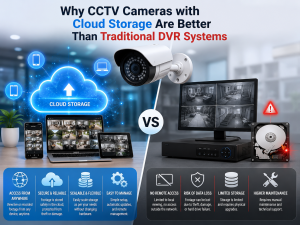
Storage devices in traditional storage systems usually require constant maintenance, upgrading, and securing against any external threats. This is the main reason behind an increased adoption of CCTV cloud storage options.
Some of the benefits of using cloud-based surveillance storage include:
- Scalability: You can increase the size of your storage space alongside the expansion of your surveillance system without spending a lot of money on expensive hardware.
- Access to Data from Anywhere: It is possible to access the video footage via any device from any location as long as you have the appropriate permissions.
- Data Security: Cloud services offer additional safety features.
- Reduced Management Responsibilities: The organization spends more time on security operations rather than handling its own storage hardware.
- Flexible Retention: There are no restrictions to changing the retention policy when necessary.
As video surveillance systems create increasingly more footage, the use of cloud storage becomes necessary to meet growing demands.
CCTV Camera Storage Capacity: How Much Do I Need for My Business?
Several aspects should be considered when determining the capacity of a CCTV camera storage device:
- Number of surveillance cameras used
- Camera resolution
- The speed at which frames are being recorded
- Specific recording methods
- Capacity required for retaining the footage
- The compression algorithm used
As you can see, the answer to the question “How much CCTV storage do I need?” is rather individual depending on the particular situation.
Selecting the Proper Approach to CCTV Video Surveillance Storage
Modern times call for modern storage architectures and systems that will guarantee security footage recording, access, and storage. Besides, storage planning today is not simply buying extra hard drives to keep CCTV surveillance footage. By knowing the capabilities of your cameras, CCTV storage requirements, and performing a CCTV storage calculation, one can avoid numerous pitfalls in setting up an effective surveillance system.
Companies whose plans include future growth will benefit from cloud-based solutions like those provided by 10PB. This will save on equipment acquisition while offering more opportunities for further scalability and data protection.
Conclusion
Choosing the correct capacity for storing video surveillance starts from gaining insight into your camera, settings, and storage needs. Regardless of whether you run a small company or a large organizational facility, proper planning will enable proper video storage and effective budgeting.
By using a CCTV storage calculator and assessing their growth potential, companies may make an appropriate decision. In an era where video surveillance is increasingly becoming popular, current storage options, including those based in the clouds, make this possible.