
 Cloud Storage
 Hot vs Cold vs Archive Storage: Choosing the Right Tier Without Overpaying
As businesses generate more data, storage costs can quietly become a significant part of their IT budget. Customer records, application data, backups, analytics files, media, logs, and historical information all need to be stored—but not all data needs the same level of performance or accessibility.
A common mistake is keeping every file on high-performance storage simply because it is convenient. While this approach makes data readily available, it can result in businesses paying premium storage costs for information that may be accessed only once or twice a year.
This is where cloud storage tiers become valuable.
By categorizing data according to how frequently it is accessed and how quickly it needs to be retrieved, businesses can balance performance, availability, security, and cost.
This guide explains hot, cold, and archive storage, how they differ, and how to choose the right tier without creating unnecessary expenses.
Understanding Cloud Storage Tiers
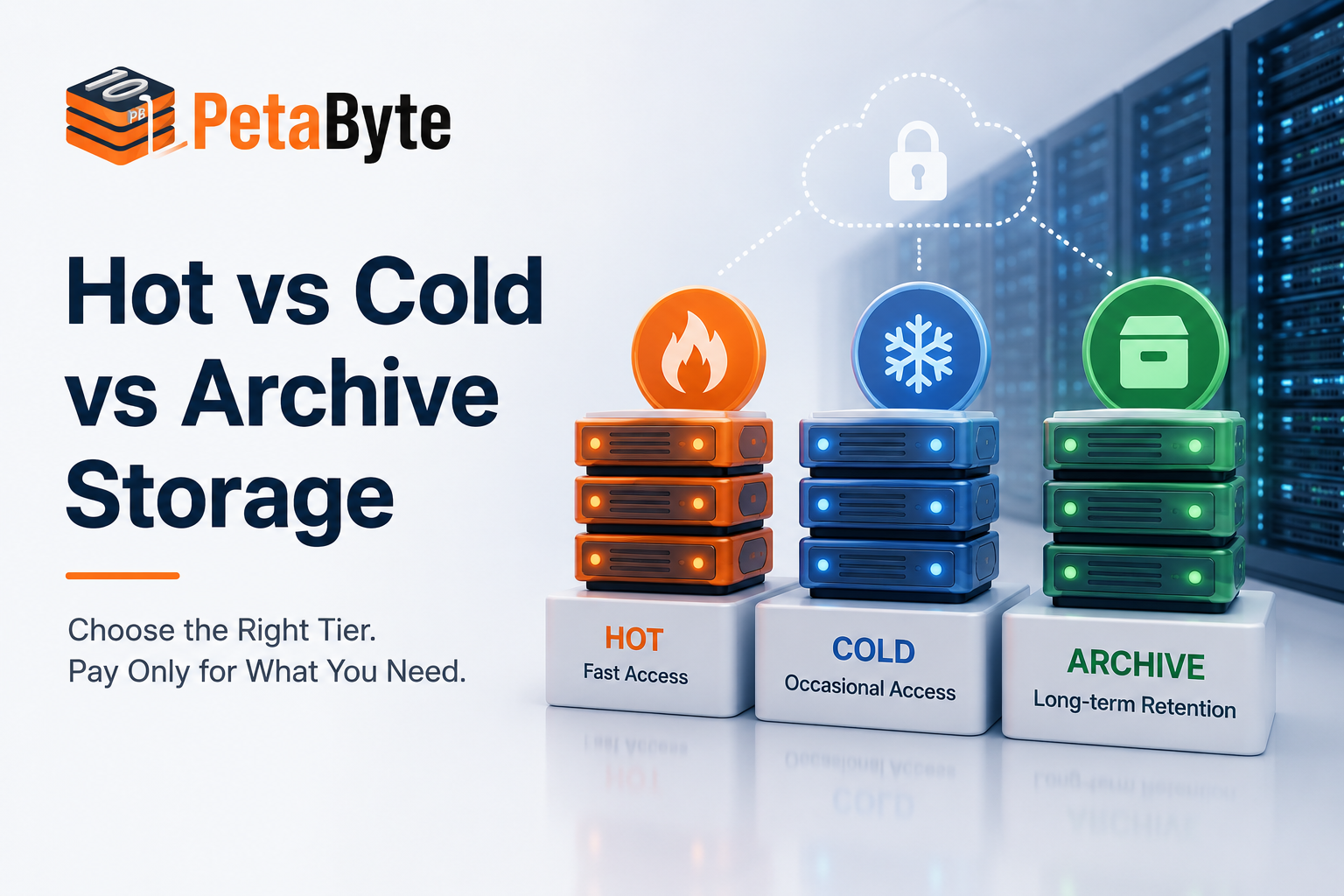
Cloud storage providers typically offer different storage classes designed for different access patterns.
The three broad categories are:
- Hot storage: For frequently accessed, active data
- Cold storage: For data accessed occasionally
- Archive storage: For data that is rarely accessed but needs long-term retention
The important point is that these aren’t simply three different prices for the same service. They are designed around different workload requirements.
Choosing the appropriate tier starts with understanding how your business actually uses its data.
What Is Hot Storage?
Hot cloud storage is designed for data that applications and users need to access frequently.
It prioritizes availability and fast access, making it suitable for active workloads where delays can directly affect business operations.
Typical use cases include:
- Production databases
- Business applications
- Active websites
- Frequently accessed documents
- Customer portals
- Real-time analytics
- Current project files
- Frequently used media
For example, an e-commerce company’s active product database needs to respond quickly to customer requests. Moving that database into a storage tier designed for infrequent access could negatively affect application performance.
When should you choose hot storage?
Choose hot storage when:
- Data is accessed frequently
- Applications require quick retrieval
- Users regularly modify the information
- Low latency is important
- The data supports daily operations
The trade-off is cost. Because hot storage is designed for frequent access and higher performance, it is generally more expensive than colder storage tiers.
What Is Cold Storage?
Cold storage is designed for information that doesn’t need to be accessed regularly but still needs to remain available.
It sits between frequently accessed data and long-term archives.
For many businesses, it provides a practical way to reduce storage expenses without completely moving information into deep archival storage.
Common examples include:
- Older project files
- Previous versions of documents
- Historical datasets
- Monthly or older backups
- Inactive application data
- Older media files
- Records that are occasionally referenced
For example, a company may have customer records that are rarely accessed but still need to be available when a support or compliance request occurs.
Keeping these records in premium storage may not provide enough value to justify the additional cost.
Cold storage works well when:
- Data is accessed occasionally
- Immediate access isn’t always necessary
- Long-term retention is required
- You want to reduce storage costs
- Retrieval can tolerate some additional delay or cost
What Is Archive Storage?
Archive storage is intended for information that is rarely accessed but needs to be retained for a long period.
The priority is usually low-cost long-term retention, rather than frequent access or immediate retrieval.
Typical archive workloads include:
- Historical business records
- Long-term backups
- Legacy datasets
- Completed projects
- Old system logs
- Compliance-related records
- Historical research data
For example, an organization may need to retain several years of records but expect to retrieve them only in exceptional circumstances.
Archive storage can be an economical choice for this type of data.
However, businesses should carefully review retrieval times, retrieval charges, minimum retention requirements, and other pricing conditions before moving important information into an archive tier.
Hot Storage vs Cold Storage vs Archive Storage
The fundamental difference between these tiers comes down to access frequency and business requirements.
Hot Storage
Best for:
Frequently accessed data
Prioritizes:
Performance and immediate availability
Examples:
Production databases, active applications, current business data
Cold Storage
Best for:
Occasionally accessed data
Prioritizes:
Cost reduction while maintaining practical accessibility
Examples:
Older files, infrequently accessed backups, historical datasets
Archive Storage
Best for:
Rarely accessed long-term data
Prioritizes:
Long-term retention and lower storage costs
Examples:
Legacy records, historical backups, compliance archives
The right choice depends on your workload rather than simply the amount of data you have.
How to Choose the Right Storage Tier
Choosing a storage tier should be based on data behavior, not guesswork.
Before making a decision, answer these five questions.
1. How Often Is the Data Accessed?
Start by analyzing actual access patterns.
If a dataset is accessed multiple times every day, hot storage is likely appropriate.
If the same dataset hasn’t been accessed for six months, continuing to pay for high-performance storage may not make financial sense.
Look at actual usage data wherever possible rather than relying on assumptions.
2. How Quickly Must the Data Be Retrieved?
Access speed is another critical factor.
Ask:
What happens if this data takes longer to retrieve?
If a delay of a few minutes could affect customers or business operations, hot storage may be necessary.
If retrieval can wait until the information is needed, cold or archive storage could be a better fit.
This distinction is particularly important when comparing hot storage vs cold storage.
3. What Is the Total Cost?
Storage price per GB is only one part of the equation.
Depending on the provider and storage class, your total cost may include:
- Storage charges
- Data retrieval charges
- Data transfer fees
- API or access costs
- Minimum storage duration
- Backup costs
- Management costs
Therefore, don’t choose a storage tier solely because it has the lowest advertised price.
A cheaper tier can become expensive if your applications constantly retrieve data from it.
4. How Important Is the Data?
Data classification is essential.
Consider separating information into categories such as:
Business-critical: Active applications and production databases
Operational: Frequently used backups and business records
Historical: Older information that is occasionally required
Archive: Data retained primarily for long-term reference
This makes it easier to determine which storage tier is appropriate.
5. How Long Must You Retain the Data?
Retention requirements should also influence your storage strategy.
Some data may be relevant for several months. Other information may need to be retained for years.
Instead of keeping everything on the same storage infrastructure indefinitely, businesses can establish lifecycle policies that gradually move older information to more economical storage tiers.
A Practical Storage Lifecycle
A well-designed storage strategy can follow a simple lifecycle:
Phase 1: Active
New and frequently used data remains on hot storage.
Example: Current customer transactions.
Phase 2: Infrequent
As access decreases, data can move to cold storage.
Example: Older project files.
Phase 3: Long-Term
When data becomes rarely accessed, it can be moved to archive storage.
Example: Historical records and older backups.
This approach helps organizations avoid paying premium prices for information that no longer requires premium performance.
How Storage Tiering Helps Reduce Costs
Consider a business with 100 TB of stored information.
It might discover that:
- 15 TB is actively used
- 25 TB is accessed occasionally
- 60 TB is rarely accessed
Keeping all 100 TB in high-performance storage may be unnecessary.
Instead, the organization could create a tiered architecture where active workloads remain on hot storage while older and less frequently accessed information moves to colder tiers.
The exact configuration depends on the provider and workload, but the principle is straightforward:
Use high-performance storage where performance creates business value, and lower-cost storage where it doesn’t.
This is the foundation of effective cloud storage cost optimization.
Don’t Forget Retrieval Costs
One of the most overlooked aspects of storage optimization is retrieval.
Businesses often compare storage prices and immediately select the cheapest option.
But what happens when archived data needs to be accessed?
Depending on the storage service, retrieval may involve:
- Additional charges
- Longer retrieval times
- Data transfer costs
- Minimum retrieval quantities
- Operational restrictions
Therefore, before selecting a tier, estimate not just how much data you’ll store, but also how often you’ll retrieve it.
A simple cost model can prevent unpleasant surprises later.
Storage Tiering and Data Security
Lower-cost storage should never mean lower security.
Regardless of the storage tier, organizations should consider:
- Encryption
- Authentication
- Access controls
- Backup protection
- Monitoring
- Data retention
- Secure deletion
Sensitive information should remain protected whether it is actively used or sitting in an archive.
For businesses operating in regulated industries, storage decisions should also align with applicable security and compliance requirements.
How Data Centers Fit Into Storage Strategy
Although businesses may interact with storage through a cloud platform, the underlying infrastructure still matters.
The physical data center supporting your environment can influence availability, connectivity, security, redundancy, and scalability.
When evaluating storage infrastructure in data center India environments, organizations should consider:
- Power redundancy
- Network reliability
- Physical security
- Server infrastructure
- Backup systems
- Disaster recovery
- Scalability
- Monitoring
A secure data center provides an important foundation for reliable infrastructure, but businesses should also evaluate application security, user access, and data-management practices.
For organizations with large storage requirements, choosing the right infrastructure environment can be just as important as choosing the right storage tier.
Common Storage Tiering Mistakes
Keeping Everything on Hot Storage
This is convenient but can create unnecessary costs as data volumes increase.
Moving Data to Archive Too Early
If employees or applications regularly need the information, archive storage can create delays and additional retrieval costs.
Ignoring Access Patterns
Storage decisions should be based on real usage rather than assumptions.
Looking Only at Storage Prices
Retrieval, transfer, and operational costs can significantly affect the final bill.
Forgetting About Backups
Backup data should have its own retention and recovery strategy.
Sacrificing Security for Cost
Cost optimization should never compromise the protection of sensitive or business-critical information.
A Simple Decision Framework
If you’re unsure which tier to choose, start with this approach:
Ask: “Is this data used frequently?”
Yes → Hot storage
No → Continue
Ask: “Will we need it occasionally?”
Yes → Cold storage
No → Continue
Ask: “Does it need to be retained for the long term?”
Yes → Archive storage
No → Review whether the data should be retained at all
This simple framework can help organizations begin building a more efficient storage architecture.
Final Thoughts
The best storage strategy isn’t about putting every workload on the cheapest available tier. It’s about matching performance and accessibility to the actual value and usage pattern of the data.
Hot storage makes sense for active workloads where fast access matters. Cold storage is useful for information that is accessed less frequently, while archive storage is designed for long-term retention of data that is rarely retrieved.
By analyzing access frequency, retrieval requirements, retention periods, security needs, and the complete cost structure, businesses can build a more efficient cloud storage tiers strategy.
And as data volumes continue to grow, this becomes increasingly important.

Cloud Storage for Hospitals: HIPAA vs India’s Data Protection Requirements
September 26, 2026

Cloud Data Archiving: The Complete Guide for Businesses in 2026
September 7, 2026